A cluttered office doesn’t just look messy—it slows you down, distracts your focus, and adds unnecessary stress to your day. If your desk feels cramped, your cords are tangled, and your supplies are buried under papers, it’s time to rethink how to organize office furniture. The right setup can turn a chaotic room into a streamlined workspace that supports deep work, collaboration, and long-term comfort. Whether you’re designing a home office or improving a corporate environment, smart furniture organization makes a measurable difference in efficiency and well-being.
This guide walks you through proven strategies to assess your space, choose the best layout, optimize storage, and maintain a clean, functional office. You’ll learn how to position your desk for focus, use zones for different tasks, reduce clutter, and manage cables effectively. From ergonomic adjustments to lighting and daily habits, every element plays a role in creating a workspace that works for you—not against you.
Measure and Evaluate Your Office Dimensions
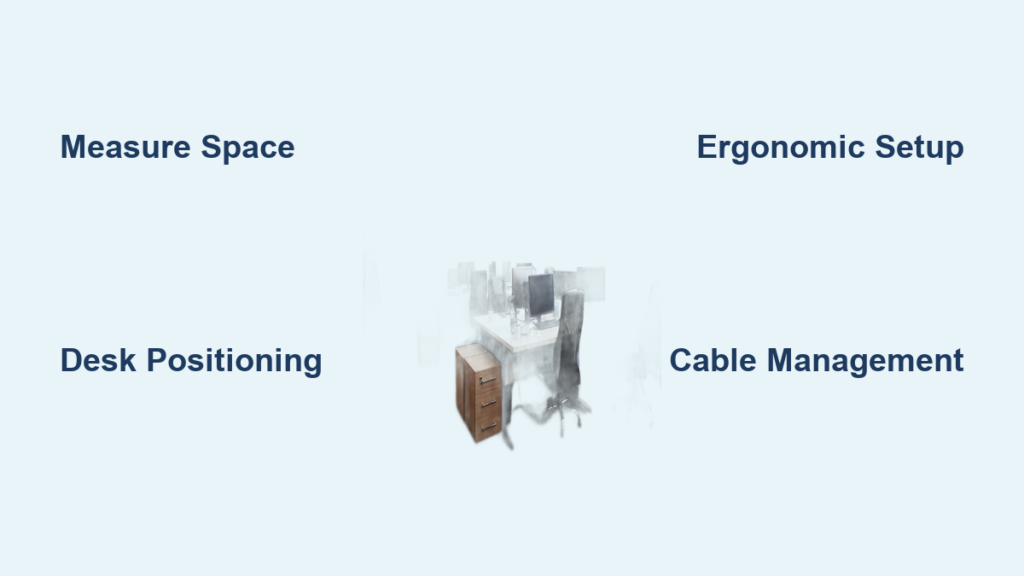
Before moving a single piece of furniture, gather accurate measurements and assess how people move through the space. A well-organized office starts with smart spatial planning.
Record Room Size and Obstacle Locations
Use a tape measure to note the length, width, and ceiling height of the room. Mark the positions of doors, windows, electrical outlets, and HVAC vents. These features determine where large furniture can go without blocking access or creating hazards. For example, avoid placing filing cabinets in front of outlets or under vents to maintain airflow and power accessibility.
Determine Primary Light Exposure
Natural light boosts alertness and mood, but improper placement can cause screen glare. Position desks so they’re parallel to windows—this provides bright, indirect light while reducing reflections on monitors. If your desk must face a window, use blinds or anti-glare screens to manage brightness.
Plan Clear Walking Paths
Map the most common routes through the room. Keep walkways at least 30 inches wide to allow comfortable movement, especially in shared offices. Ensure chairs can roll back fully without hitting walls, desks, or door swings. In compact spaces, consider furniture with casters for easy repositioning.
Design a Functional Office Layout Based on Work Needs
Your furniture arrangement should match how you work—whether you need quiet focus, frequent collaboration, or a mix of both. A strategic layout enhances productivity and reduces distractions.
Position Your Desk for Focus and Awareness
Place your desk so you can see the door without turning your head—this improves situational awareness and reduces subconscious stress. Avoid positioning your back toward high-traffic areas. In small offices, floating the desk in the center can create balance; in larger rooms, wall placement frees up floor space for other zones.
Create Dedicated Work Zones
Divide your office into distinct areas:
• A focus zone centered around your desk for uninterrupted work
• A collaboration zone with extra seating for meetings or calls
• A storage zone for files, supplies, and equipment
Use area rugs, lighting, or furniture groupings to visually separate these spaces. For example, a small table with two chairs can define a meeting corner.
Balance Openness with Privacy
Open layouts encourage teamwork but can increase noise. If you take frequent calls or need quiet time, use bookshelves, room dividers, or acoustic panels to create privacy. For hybrid work setups, designate a quiet side of the room for video conferencing with minimal background noise.
Set Up Ergonomic Furniture to Prevent Strain
Comfortable, adjustable furniture reduces physical strain and helps you stay focused longer. Poor ergonomics lead to fatigue, back pain, and reduced productivity over time.
Adjust Your Chair for Proper Posture
Set your chair height so your feet rest flat on the floor and your knees form a 90-degree angle. Adjust the lumbar support to fit the natural curve of your lower back. Armrests should support your elbows at desk level, keeping shoulders relaxed and arms close to your body.
Position Your Monitor at Eye Level
The top of your screen should be at or slightly below eye level, about 20–30 inches from your face. Use a monitor stand or stack books under a laptop to avoid neck strain. For dual monitors, place them side by side with a slight inward tilt to reduce eye movement.
Keep Daily Tools Within Arm’s Reach
Place your keyboard, mouse, notebook, and pens within easy reach to minimize stretching. Use desk trays or organizers to keep essentials visible and tidy. Store less-used items—like spare chargers or binders—in drawers or cabinets.
Use Smart Storage to Reduce Clutter
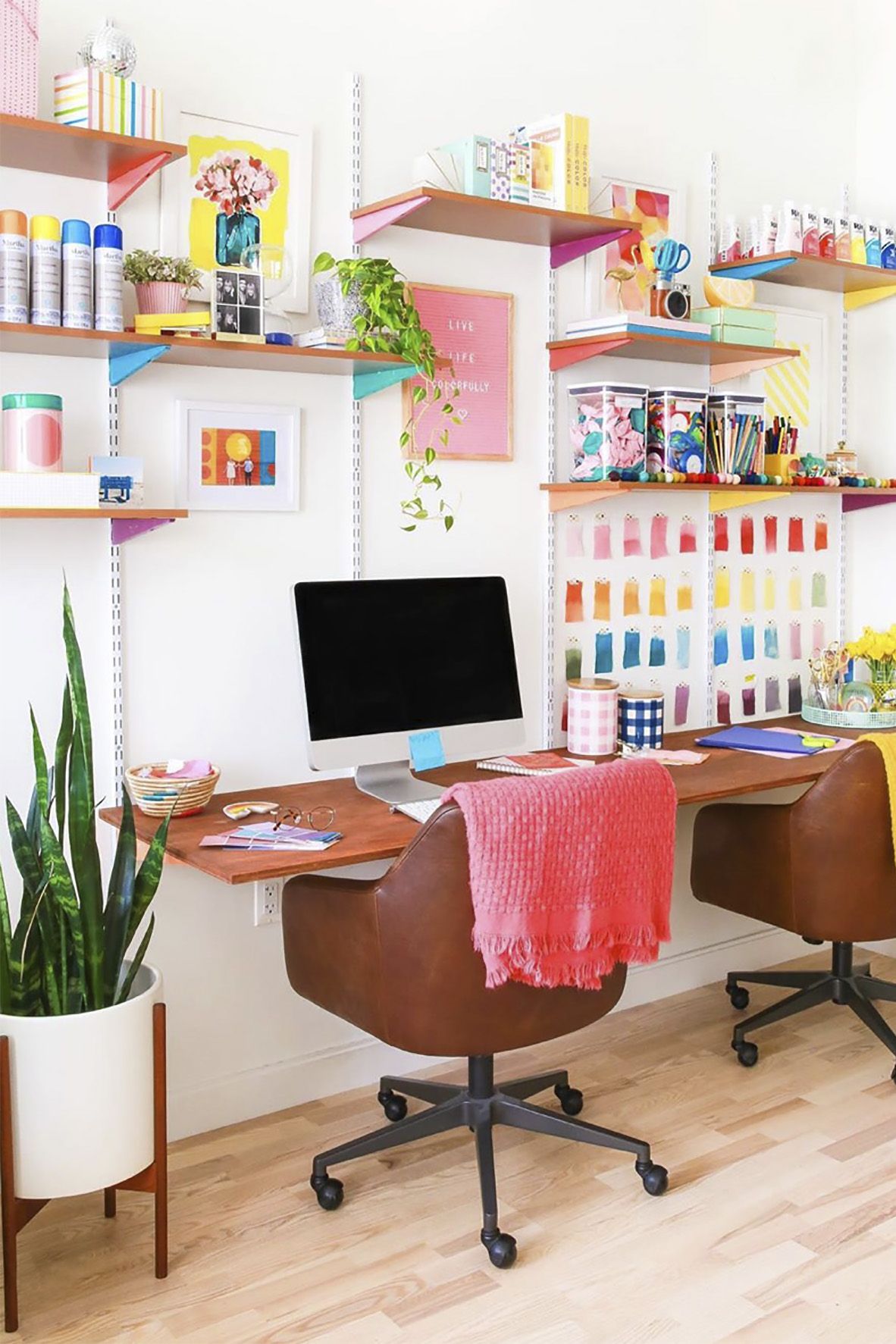
Clutter builds up fast without a clear storage system. Organizing office furniture with built-in or add-on storage keeps supplies accessible but out of the way.
Install Shelves to Use Vertical Space
Mount floating shelves above your desk or in empty corners to store books, binders, or decor. Label bins or baskets for quick identification. Clear containers let you see contents at a glance, reducing time spent searching.
Choose Multi-Functional Furniture
Select pieces that serve more than one purpose:
• Desks with built-in drawers or filing cabinets
• Ottomans with hidden storage for supplies
• Credenzas that hold printers, paper, or tech gear
Mobile filing cabinets on wheels let you reconfigure your space as needed.
Sort and Label Supplies Systematically
Group similar items—pens, notepads, paper clips—and store them in labeled containers. Use drawer dividers to keep small items from mixing. Rotate supplies regularly and discard dried-out markers or outdated materials.
Declutter Your Workspace Regularly
Even the best layout fails if clutter takes over. A clean desk supports mental clarity and faster task completion.
Remove Unused Items Monthly
Go through drawers, shelves, and desktops every month. Discard expired documents, broken gadgets, and unused supplies. If you haven’t used an item in six months, consider donating or recycling it.
Digitize Paper Files to Save Space
Scan important documents using a portable scanner or smartphone app. Store them in secure, organized cloud folders with clear naming conventions. Keep only essential hard copies—like tax records or legal contracts—in a labeled filing system.
Adopt a Daily Reset Routine
Spend five minutes at the end of each day returning items to their places. File loose papers, clear coffee mugs, and wipe down surfaces. Starting each morning with a clean desk reduces stress and improves focus.
Manage Cables and Tech Devices Neatly

Tangled cords are tripping hazards and make your office look unprofessional. Cable organization is a key part of furniture setup.
Bundle and Route Cables Properly
Use Velcro ties or cable sleeves to group cords together. Attach adhesive clips under your desk to route wires neatly. Hide power strips and excess cord length in a cable management box.
Label All Cables for Easy Identification
Tag each cord with colored tape or small labels so you can quickly identify chargers, monitors, and peripherals. This saves time during troubleshooting or when relocating equipment.
Place Power Sources Strategically
Mount power strips under desks or behind furniture to keep them out of sight and walking paths. Use surge protectors with USB ports to reduce the number of adapters and wall plugs.
Maintain a Clean and Inviting Workspace
Organization only lasts with consistent upkeep. Simple daily and weekly habits keep your office functional and pleasant.
Clean Surfaces Weekly
Wipe down desks, shelves, and electronics with a microfiber cloth. Disinfect high-touch items like keyboards, phones, and mouse. A clean space feels more professional and supports better health.
Review Your Setup Monthly
Set a monthly reminder to check if your storage is overflowing or your layout still works. Adjust furniture or add organizers as your needs change.
Rotate Seasonal Supplies
Store off-season items—like holiday cards or tax documents—in labeled bins. Rotate them in and out to keep active workspace clear.
Optimize Lighting and Personal Touches

Good lighting reduces eye strain, while personal items make the space feel inviting—without sacrificing professionalism.
Layer Your Lighting
Combine overhead lights with task lamps and accent lighting. Use an adjustable desk lamp for reading and writing. Choose warm white LED bulbs instead of harsh fluorescents to reduce eye fatigue.
Add Plants and Meaningful Decor
Include low-maintenance plants like snake plants or pothos to improve air quality and reduce stress. Display a few personal photos or artwork to make the space feel welcoming—just avoid overcrowding surfaces.
Prevent Glare and Harsh Shadows
Position lamps to the side of your monitor to avoid screen reflections. Use lampshades to direct light downward and reduce shadows on your work surface.
Frequently Asked Questions About Organizing Office Furniture
How do I organize office furniture in a small space?
Use multi-functional furniture like desks with storage, wall-mounted shelves, and foldable chairs. Float the desk in the center or place it against a wall to maximize floor space. Define zones with rugs or lighting instead of large dividers.
What is the best desk position for productivity?
Place your desk so you can see the door without turning, with natural light coming from the side. Avoid facing a window directly to prevent screen glare. Keep frequently used tools within arm’s reach.
How can I hide cords and cables neatly?
Use cable sleeves, Velcro ties, and adhesive clips to bundle and route wires. Install a cable management box under the desk to conceal power strips and excess cord length. Label each cable for quick identification.
What office furniture helps reduce clutter?
Desks with built-in drawers, rolling filing cabinets, storage ottomans, and credenzas help keep supplies out of sight. Use labeled bins, drawer dividers, and wall shelves to maintain order.
How often should I declutter my office?
Declutter monthly by removing unused supplies, expired documents, and broken items. Do a deeper clean every quarter—digitize files, reorganize drawers, and reassess your layout.
Can plants improve an organized office?
Yes. Low-maintenance plants like snake plants or pothos improve air quality, reduce stress, and add visual calm. Just avoid placing them where they interfere with workspace or lighting.
Key Takeaways for Organizing Office Furniture
Organizing office furniture is an ongoing process that boosts productivity, comfort, and mental clarity. Start by measuring your space and mapping traffic flow, then choose a layout that supports your work style—whether focused, collaborative, or hybrid. Prioritize ergonomic furniture, use vertical storage, and keep cables under control. Declutter regularly and maintain cleanliness with simple daily habits.
Begin with one area—your desk or a single drawer—and apply these strategies step by step. A well-organized office isn’t about perfection; it’s about creating a space that helps you work better, feel calmer, and stay focused. Implement these changes today and transform your workspace for long-term success.