Is your office chair rolling away when you need it to stay put? You’re not alone. A chair that won’t stay in place can disrupt your focus, reduce productivity, and even pose a safety risk. Whether you’re typing, reaching for a file, or leaning forward during a video call, an unstable chair is more than just annoying—it’s inefficient. The good news is that locking wheels on an office chair doesn’t have to be complicated. Many chairs come with built-in locking features, while others can be stabilized using simple accessories or adjustments. In this guide, you’ll learn every proven method to stop your chair from rolling—starting with built-in mechanisms and moving to affordable upgrades and smart usage habits. By the end, you’ll know exactly how to keep your chair stationary, no matter your setup.
Check for Built-In Wheel Locking Mechanisms
Before buying new parts or accessories, determine if your chair already has a locking system. Many office chairs include hidden levers or specialized casters designed to prevent movement.
Identify Tilt and Swivel Locks Under the Seat
Look beneath the seat for a lever or knob near the base.
• Tilt lock: Pull the lever up to stop the chair from rocking. This won’t stop rolling but adds stability during typing or writing.
• Swivel lock: Some models have a switch that disables rotation. Flip it to prevent spinning while working.
• Dual controls: Higher-end chairs may combine height, tilt, and swivel functions in one lever—test each position to see its effect.
🔍 Visual cue: A solid click or labeled “lock” symbol means the mechanism is engaged.
Locate Caster-Mounted Lock Levers
Certain ergonomic or drafting chairs feature locking casters, typically on the front left and back left wheels.
• To lock: Press the small lever down on the front left caster. You should feel resistance when pushing the chair.
• To unlock: Lift the lever before moving. Forcing a locked caster can damage the wheel or scratch the floor.
⚠️ Common mistake: Forgetting to disengage the lock before rolling the chair. Always check before standing or shifting position.
Replace Standard Casters with Locking or Brake Casters

If your chair lacks a built-in lock, upgrading the wheels is the most effective long-term solution.
Install Brake-Style Casters That Lock Under Weight
Swap out free-rolling casters for locking or braking casters.
• These wheels automatically lock when you sit and release when you stand.
• Ideal for sit-stand desks or frequent posture changes.
• Confirm compatibility: Measure the stem diameter and length of your current casters before purchasing.
💡 Pro tip: Buy a full set of 5 locking casters—most office chairs have 5 legs—for even weight distribution and maximum stability.
Match Caster Type to Your Floor Surface
Choosing the right caster improves grip and prevents damage.
| Floor Type | Recommended Caster | Benefit |
|---|---|---|
| Hardwood, Tile | Rubber-tipped casters | Increase friction, protect floors |
| Carpet | Dual-wheel or wide-base casters | Prevent sinking, roll smoothly |
| Mixed Surfaces | Hybrid or locking casters | Adapt to transitions between floor types |
✅ Best for: Long-term stability without modifying your workspace.
Use Non-Slip Accessories to Stop Chair Movement

When you can’t change the chair, use external tools to create instant stability.
Place a Rubber-Backed Chair Mat on Hard Floors
A non-slip chair mat stops rolling by increasing floor friction.
• Use on hardwood, tile, or laminate.
• Choose mats with a rubberized underside—they stay flat and won’t slide.
• Clear PVC versions blend into modern offices while offering strong grip.
🕒 Time to install: Less than a minute. Just unroll and position under the chair.
Attach Anti-Slip Pads Under Each Caster
Stick rubber or silicone pads under individual wheels.
• Inexpensive and removable—ideal for rentals or shared workspaces.
• Reduces rolling on smooth surfaces by boosting traction.
• Replace every 6–12 months as the material wears down.
✅ Best for: Quick fixes when caster replacement isn’t allowed.
Install Commercial Wheel Locks for Maximum Stability
Products like Extreme Simracing Wheel Locks physically pin casters in place.
• Designed for gaming chairs but work on any office chair.
• Fits wheels up to 5.6 x 5.6 cm.
• Features a rubberized base that grips the floor without leaving marks.
• Priced at $29.00 per pair, ships from Florida in 1–2 business days.
🎮 Ideal for: Gamers, streamers, or professionals who need zero movement during intense tasks.
Adjust Chair Height and Sitting Posture
Even with perfect casters, poor setup leads to instability.
Lower the Chair to Improve Balance
A chair that’s too high tips and rolls easily.
• Adjust the seat so your feet rest flat on the floor, knees at 90 degrees.
• Lowering the chair lowers your center of gravity, reducing unintended motion.
🛠️ Quick test: Gently push the back of the chair. If it rolls, lower it slightly and retest.
Sit Centered Over the Base
Leaning forward or to one side triggers rolling.
• Keep hips pressed back into the seat.
• Use armrests to support your arms and reduce forward lean.
• Avoid “perching” on the edge of the chair.
🔁 Habit tip: Reset your posture every hour to maintain balance and stability.
Optimize Your Floor for Chair Stability
Your floor type plays a major role in how much your chair moves.
Avoid Using the Chair on Slippery Surfaces
Polished hardwood, tile, or vinyl offer little resistance.
• Never place a chair directly on these surfaces without a mat or rug.
• Even minor slopes or uneven flooring increase rolling risk.
Use Rugs or Carpet Tiles to Create a Stable Zone
• A small area rug with non-slip backing can stop movement instantly.
• Low-pile rugs prevent casters from catching or snagging.
• Interlocking carpet tiles offer a modular, modern solution.
🧼 Maintenance note: Vacuum regularly to prevent dust buildup that affects caster performance.
Maintain and Troubleshoot Your Casters
Well-maintained casters last longer and perform better.
Tighten Loose Caster Screws
Wobbly wheels cause unpredictable rolling.
• Flip the chair carefully onto its side.
• Use a screwdriver or Allen wrench to tighten the screws securing each caster.
• Test each wheel—should spin smoothly without wobble.
✅ Frequency: Check every 3–6 months.
Clean and Lubricate Casters Regularly
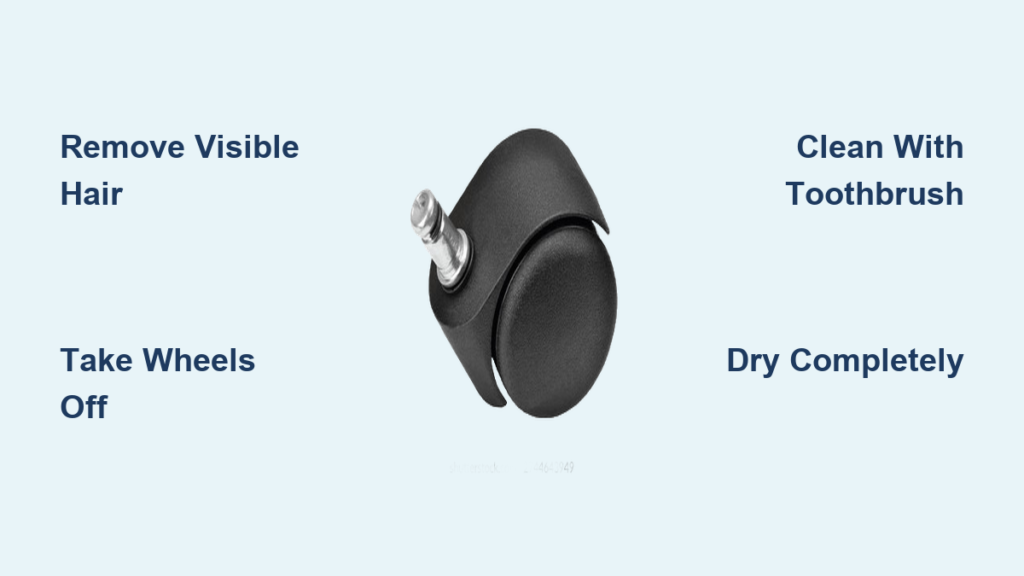
Dust, hair, and debris jam caster movement.
• Remove casters by pulling straight out or unscrewing.
• Clean with soapy water and a small brush.
• Dry completely before reinserting.
• Apply silicone lubricant to the stem for smoother installation.
🕒 Recommended: Clean every 3–6 months, or monthly in dusty environments.
Upgrade to a Chair with Built-In Wheel Locks
If all else fails, it may be time for a new chair.
Recognize When Your Chair Can’t Be Fixed
Signs you need a replacement:
• Cracked or wobbly base.
• Stripped caster sockets—wheels won’t stay in.
• No locking options available for your model.
• Persistent rolling despite multiple fixes.
Choose a Chair Designed for Stability
Look for models labeled:
• “Stationary”
• “With brake casters”
• “Anti-roll design”
• “Locking wheels”
💬 Expert note: Medical, lab, and industrial chairs often include built-in brakes—check these categories if stability is critical.
Frequently Asked Questions About Locking Office Chair Wheels
How do I know if my office chair has locking wheels?
Check under the seat for levers or knobs, or inspect the casters for small locking levers—especially on the front left wheel. If pressing a lever creates resistance when rolling, your chair has locking casters.
Can I add wheel locks to any office chair?
Yes. You can install locking casters, use anti-slip pads, or place commercial wheel locks like Extreme Simracing locks under the wheels. Most solutions work with standard 5-caster chairs.
Why does my office chair keep rolling on hardwood floors?
Hardwood offers minimal friction. Use a rubber-backed chair mat, rubber-tipped casters, or anti-slip pads to increase grip and stop unwanted movement.
Do locking casters work on carpet?
Yes, but choose wide-base or dual-wheel locking casters designed for carpet. Standard locking casters may not engage properly if the chair sinks too far.
How do I stop my office chair from rolling without a lock?
Use a non-slip chair mat, anti-slip pads, or commercial wheel locks. You can also lower the chair and sit centered to reduce movement.
Are wheel locks for gaming chairs compatible with office chairs?
Yes. Products like Extreme Simracing Wheel Locks are designed for gaming chairs but fit most office chairs with wheels up to 5.6 x 5.6 cm.
Key Takeaways for Stopping Office Chair Wheel Movement
• Start by checking for built-in tilt, swivel, or caster-mounted locks—many chairs already have them.
• Upgrade to locking or brake casters for a permanent fix.
• Use a rubber-backed chair mat or anti-slip pads for fast, non-invasive solutions.
• Keep casters clean and tight to ensure optimal performance.
• If nothing works, consider a new chair with built-in wheel locks.
✅ Next step: Inspect your chair today. Try one quick fix—like adding a mat or testing the caster lever—and experience immediate stability. For lasting results, invest in locking casters or a stationary chair model.